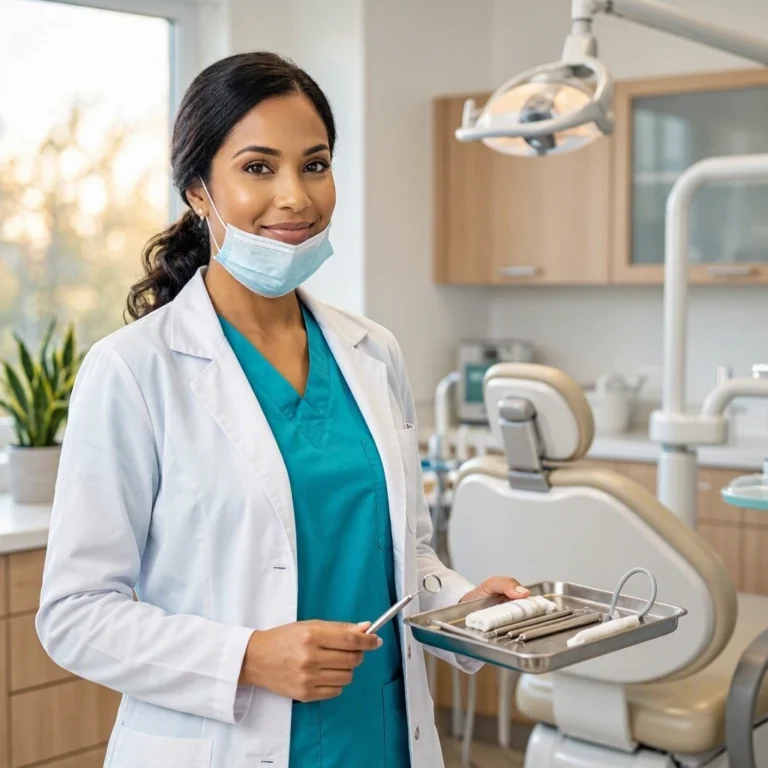
Dental Office Photoshoot: A Complete Guide to Capturing Your Practice at Its Best
A dental office photoshoot is more than a vanity project. It is a marketing tool. It is a way to show patients who you are before they meet you. In today’s digital world, patients judge your practice online first. They look at your website. They scroll through your social media. They read your Google reviews. If your photos look outdated or unprofessional, they click away.
A great photoshoot changes that. Professional images build trust. They communicate cleanliness, competence, and warmth. They make your practice look like a place people want to visit.
This guide covers everything you need to know about planning a dental office photoshoot. From choosing a photographer to preparing your space to using the final images, these tips will help you get the most from your investment.
Why a Professional Photoshoot Matters
You might think smartphone photos are good enough. They are not. Here is why professional photography matters.
First Impressions Start Online
Most patients find you online. They see your website. They see your Google Business Profile. They see your social media. Poor-quality photos signal a poorly run practice. Professional photos signal competence and care.
“We invested in a professional photoshoot last year. Our website engagement increased by 40%. New patient calls mentioned the photos. They said the office looked warm and welcoming. That is the power of good imagery.” — Dr. Rachel Green, General Dentist
Photos Build Trust
Patients are nervous about dental visits. They want to know who will treat them. They want to see the office. They want to feel comfortable before they arrive. Professional photos show your team smiling. They show clean, modern treatment rooms. They show a welcoming waiting area. This reduces anxiety and builds trust.
Photos Improve Your Marketing
Good photos work across all marketing channels.
- Website: Hero images, team bios, office tours.
- Social media: Instagram posts, Facebook updates, stories.
- Google Business Profile: Office photos, team photos.
- Print materials: Brochures, flyers, business cards.
- Press releases: Media coverage, local news features.
Photos Attract Talent
Job seekers research your practice. They look at your website and social media. Professional photos show that you invest in your team and your environment. This helps you attract top talent.
Planning Your Dental Office Photoshoot
A successful photoshoot requires planning. Do not wing it. Follow these steps.
Step 1: Define Your Goals
What do you want from the photoshoot? Be specific.
- Website refresh: New team photos, office tour images.
- Social media content: A library of images for future posts.
- Marketing campaign: Photos for a specific promotion or service.
- Recruiting: Photos that show your team culture.
Your goals determine what you shoot and how you shoot it.
Step 2: Choose the Right Photographer
Not all photographers are equal. Look for someone with experience in commercial or healthcare photography.
What to Look For
- Portfolio: Review their past work. Do they have experience with interiors and people?
- Style: Do they shoot bright and airy? Dark and moody? Choose a style that fits your brand.
- References: Ask for client testimonials. Speak to past clients if possible.
- Equipment: Professional lighting and lenses matter for indoor spaces.
- Insurance: Ensure they have liability insurance.
Questions to Ask
- How long have you been shooting commercial work?
- Do you have experience photographing dental or medical offices?
- How many final images do we receive?
- What is the turnaround time?
- Do you provide retouching?
- Can we use the images for all marketing purposes?
Step 3: Schedule the Photoshoot
Timing matters. Choose a day that minimizes disruption.
- Half-day or full-day: A half-day is enough for team photos and key areas. A full day allows for more detail shots.
- Time of day: Morning light is best for natural light photos. Avoid peak patient hours.
- Patient consent: If patients appear in photos, get written consent. Better yet, schedule the shoot when no patients are present.
Step 4: Prepare Your Office
First impressions apply to photos too. A messy office photographs poorly.
Cleaning Checklist
- Declutter all surfaces.
- Remove personal items from desks.
- Clean windows and mirrors.
- Polish counters and fixtures.
- Hide trash cans and cleaning supplies.
- Arrange waiting room furniture neatly.
- Add fresh flowers or plants.
Styling Tips
- Lighting: Replace burnt-out bulbs. Add lamps for warmth.
- Colors: Ensure your brand colors are visible.
- Signage: Update any outdated signs.
- Technology: Clean screens and monitors.
- Staff: Ensure uniforms are clean and pressed.
“We spent two days preparing for our photoshoot. We decluttered, cleaned, and styled every room. The photographer said it was the most prepared office they had ever shot. The photos showed it.” — Lisa Chen, Office Manager
What to Photograph: A Shot List
A good photoshoot captures more than just smiling faces. It tells the story of your practice.
1. Exterior Shots
- The building entrance
- Signage
- Parking area
- Landscaping
2. Waiting Room
- Wide shots of the full room
- Close-ups of seating and decor
- Patients (with consent) or staff acting as patients
- Refreshment station, reading materials
3. Reception Desk
- Front desk staff smiling
- Close-ups of the desk and signage
- Check-in process
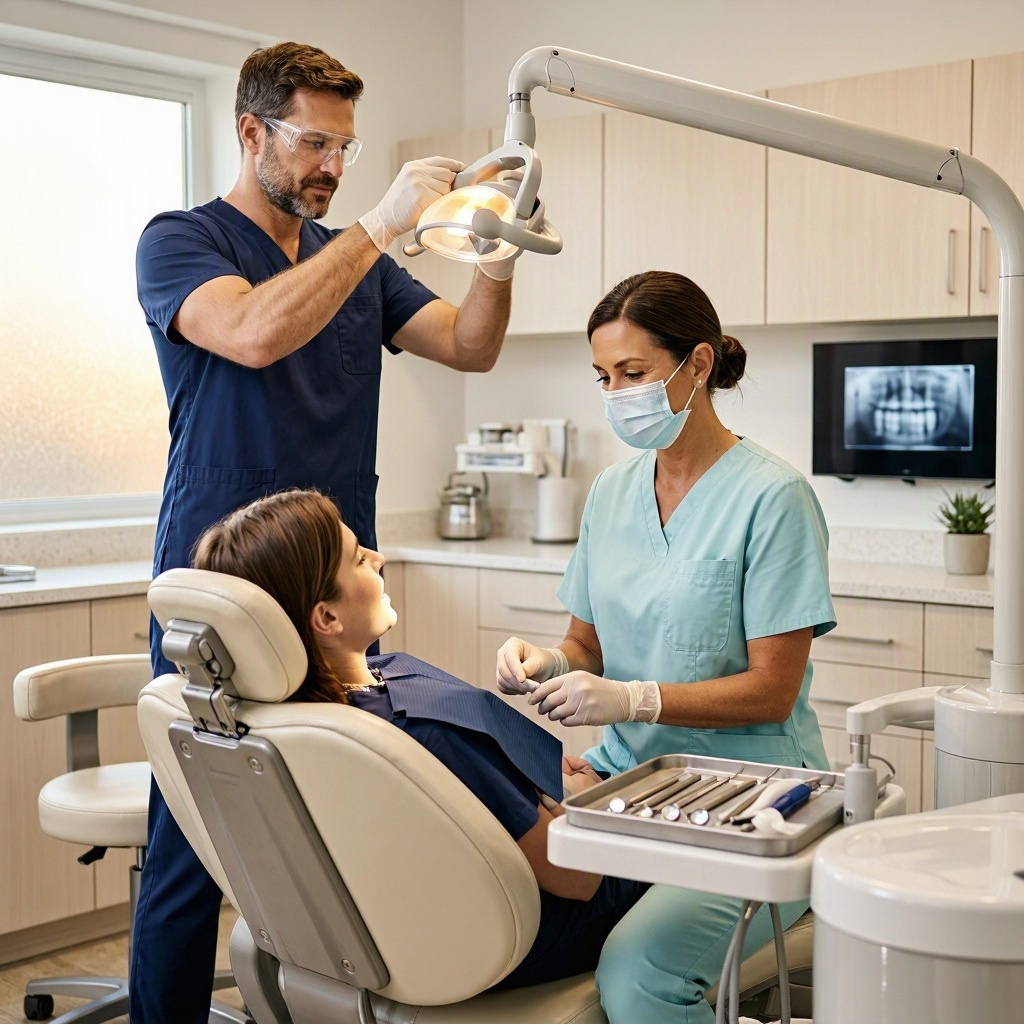
4. Treatment Rooms
- Wide shots of the room
- Close-ups of equipment
- Dentist and assistant working (with a staff model)
- Patient in the chair (with consent)
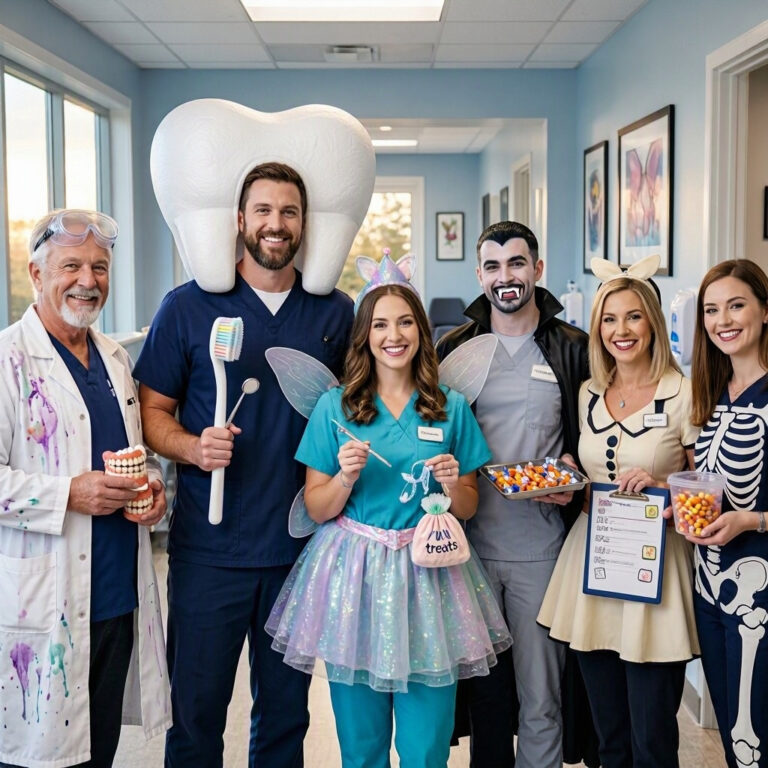
5. Team Photos
- Full team group photo
- Individual headshots
- Team members interacting
- Candids of staff laughing or collaborating
6. Detail Shots
- Instruments neatly arranged
- Sterilization area (clean and organized)
- Technology screens
- Branded materials (business cards, brochures)
7. Action Shots
- Dentist explaining a procedure to a patient
- Hygienist cleaning teeth
- Assistant preparing instruments
- Front desk staff on the phone
Comparative Table: Types of Photoshoots
| Type | Purpose | Time Required | Cost Range | Best For |
|---|---|---|---|---|
| Mini Session | Quick website update | 2–3 hours | $500–$1,000 | Small practices |
| Half-Day Shoot | Team photos, key areas | 4 hours | $1,000–$2,000 | Most practices |
| Full-Day Shoot | Comprehensive library | 8 hours | $2,000–$4,000 | Large or multi-location practices |
| Video + Photo | Marketing campaign | 8+ hours | $3,000–$6,000 | Practices investing in video |
| Ongoing Retainer | Monthly content | Ongoing | $500–$1,500/month | Social media-focused practices |
How to Use Your Photos
The photoshoot is only the beginning. The real value comes from using the images effectively.
Website
- Homepage: A hero image of your office or team.
- About Us: Team headshots and bios.
- Services: Photos of relevant treatments and equipment.
- Contact: A photo of your entrance or building.
Social Media
- Instagram: Post team photos, office shots, and behind-the-scenes images.
- Facebook: Share photos with patient stories (with consent).
- Stories: Use photos for daily updates and promotions.
Google Business Profile
- Upload photos regularly. Google favors active profiles.
- Include exterior, interior, team, and at-work photos.
Print Materials
- Brochures
- Flyers
- Business cards
- Direct mail campaigns
Email Marketing
- Newsletter headers
- Team announcements
- Seasonal greetings
Important Notes for Readers
Note on Patient Consent: Never photograph patients without written consent. This includes photos where patients might be identifiable in the background. Use staff as models instead.
Note on HIPAA: Photos of patients are protected health information. Store them securely. Do not share them publicly without explicit permission.
Note on Lighting: Natural light is best. Schedule the shoot during daylight hours. Avoid harsh overhead lighting that creates shadows.
Note on Consistency: Use a consistent style across all photos. This builds brand recognition.
Note on Updates: Refresh your photos every 2–3 years. Offices change. Teams change. Keep your images current.
Note on Budget: A photoshoot is an investment. Set a budget and stick to it. Prioritize the images you need most.
Conclusion
A dental office photoshoot is an investment in your brand. It builds trust, attracts patients, and improves your marketing. Plan carefully. Choose the right photographer. Prepare your office. Capture a variety of images. Use them consistently across all channels. When done well, professional photos become one of your most valuable marketing assets.
Frequently Asked Questions (FAQ)
Q: How much does a dental office photoshoot cost?
A: Costs vary. A half-day shoot typically ranges from $1,000 to $2,000. A full-day shoot with video can cost $3,000 to $6,000.
Q: How often should I update my office photos?
A: Every 2–3 years, or whenever you renovate, rebrand, or change your team significantly.
Q: Can I take my own photos with a smartphone?
A: Smartphones can work for social media, but professional photos are better for your website and marketing materials. Invest in a professional at least once.
Q: Do I need patient consent for photos?
A: Yes. Always get written consent before photographing patients. Use staff as models to avoid legal issues.
Q: What should I wear for team photos?
A: Coordinate outfits. Wear brand colors or matching scrubs. Avoid busy patterns and logos. Keep jewelry minimal.
Additional Resource:
For more marketing guidance, visit the American Dental Association Center for Professional Success website.