Medical Office Design: A Practical Guide for Healthcare Providers
Medical office design affects patient outcomes, staff performance, and the financial health of your practice. A well-designed office reduces wait times, improves communication, and creates a positive experience for everyone. A poorly designed one creates daily frustration and inefficiency. This guide covers the essential elements of medical office design, from space planning to technology integration, with realistic advice for healthcare providers at any stage.
The Goals of Medical Office Design
Every medical office should achieve three goals.
- Patient safety and comfort: Reduce risks and anxiety.
- Clinical efficiency: Support staff workflow and reduce errors.
- Regulatory compliance: Meet building codes and healthcare standards.
Design that ignores any one of these goals will fail the other two. Balance is essential.
Space Planning and Zoning
Clear zoning prevents bottlenecks and protects patient privacy.
Three main zones:
- Public zone: Reception, waiting area, restrooms, exits.
- Clinical zone: Exam rooms, treatment rooms, procedure areas.
- Staff zone: Break room, office, storage, sterilization.
Key flow principles:
- Separate patient and staff paths where possible.
- Keep dirty and clean flows separate in sterilization areas.
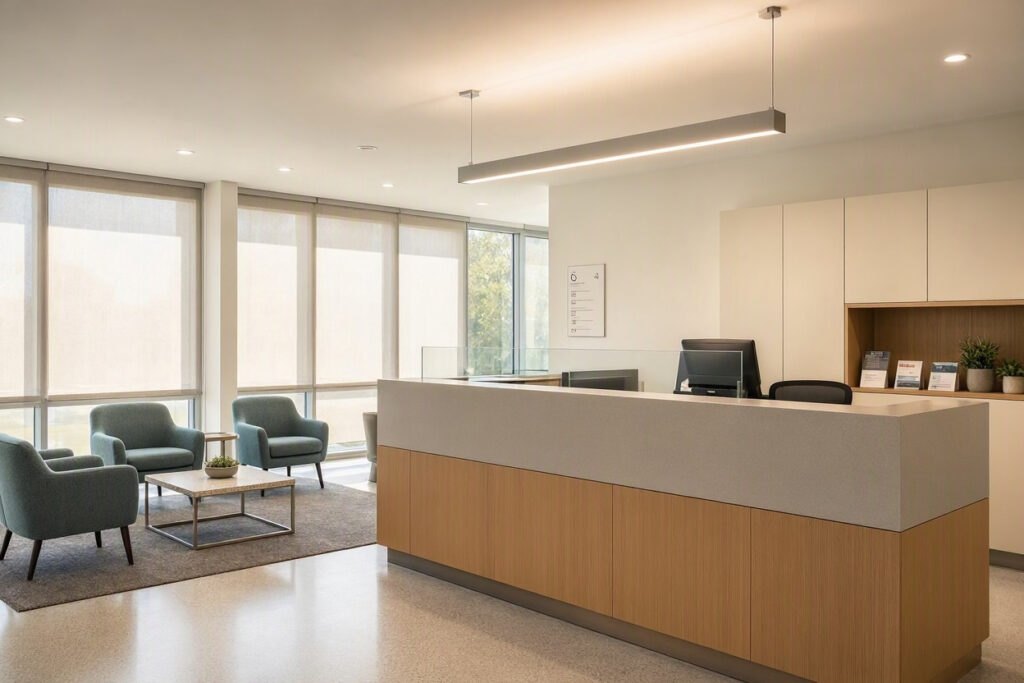
- Place reception so staff can see the entrance.
- Ensure patients do not pass through clinical areas to reach restrooms.
Important note: Walk through your office as a patient would. If you get confused, your patients will too.
Reception and Waiting Area
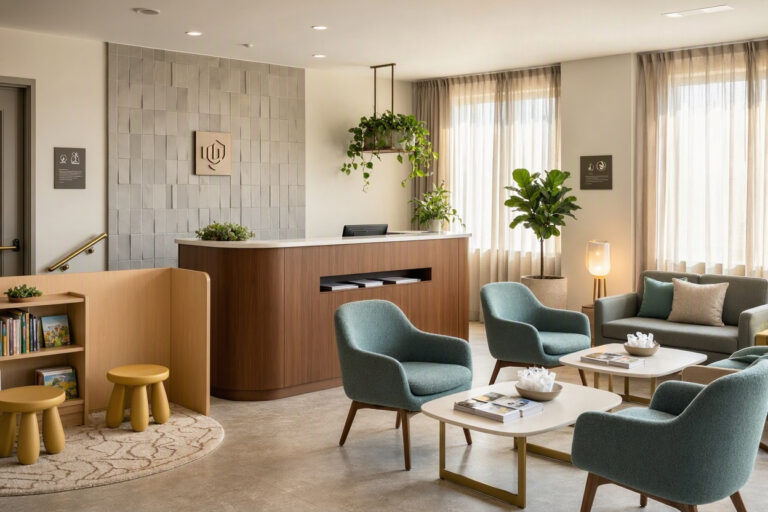
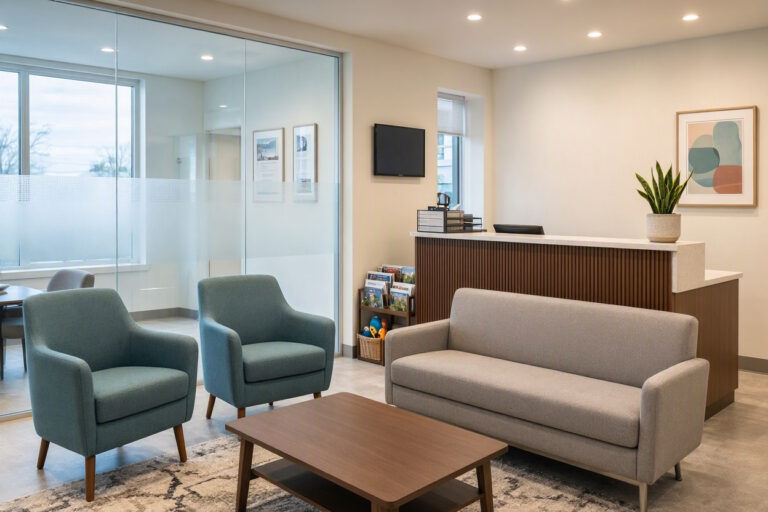
The waiting area is where patients form their first impression.
Essential features:
- Comfortable seating with armrests.
- Clear sightlines to the reception desk.
- A water station.
- Current magazines and a TV on a calm channel.
- Wi-Fi and charging stations.
- Restrooms clearly signed.
Table: Waiting Area Design Checklist
| Element | Requirement | Notes |
|---|---|---|
| Seating | 8–10 chairs | 30% above peak volume |
| Lighting | Warm indirect light | 3000K–3500K |
| Signage | Clear check-in instructions | Large, high-contrast text |
| Technology | Wi-Fi, charging ports | Visible password sign |
| Decor | One plant, one art piece | Keep surfaces uncluttered |
Exam Room Design
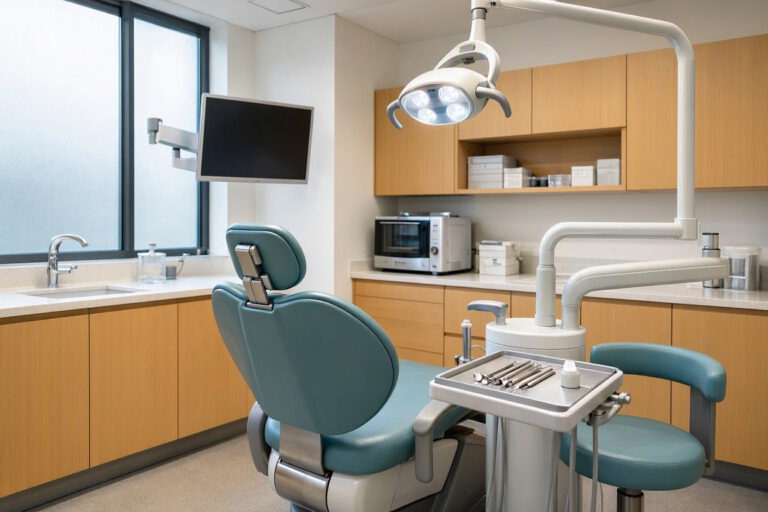
Exam rooms are where clinicians spend most of their time. Design for efficiency and patient comfort.
Patient comfort features:
- Comfortable exam table with a padded surface.
- A chair for the patient’s companion.
- A small shelf for personal items.
- Calming art on the wall.
- Good lighting that is adjustable.
Staff efficiency features:
- Equipment within easy reach.
- Built-in storage for supplies.
- A computer or tablet for records.
- A handwashing sink near the door.
- Easy-to-clean surfaces.
Lighting Design
Lighting affects mood, energy, and clinical accuracy.
| Area | Recommended Lighting | Color Temperature |
|---|---|---|
| Waiting room | Warm indirect light | 3000K–3500K |
| Exam rooms | Adjustable task lighting | 3500K–4000K |
| Reception | Soft ambient plus task | 3000K–3500K |
| Corridors | Even, bright light | 3500K–4000K |
Note: Natural light improves mood and reduces fatigue. Keep windows unobstructed and use sheer blinds for glare control.
Materials and Finishes
Medical office interiors must balance aesthetics with infection control.
Flooring:
- Porcelain tile (durable, easy to clean).
- Seamless vinyl (best for clinical areas).
- Luxury vinyl plank (warm look for waiting areas).
Walls:
- Washable matte paint in light neutrals.
- Wall protection panels in high-traffic areas.
- Acoustic panels in waiting rooms.
Counters:
- Solid surface or quartz. Non-porous and seam-free.
Upholstery:
- Bleach-cleanable vinyl or polyurethane. Avoid fabric in clinical areas.
Technology Integration
Modern medical offices rely on technology. Design must accommodate it.
- Cable management built into walls and furniture.
- Patient check-in kiosks near the entrance.
- Monitors in exam rooms for patient education.
- Secure server room with ventilation.
- Wi-Fi throughout the office with separate staff and patient networks.
Accessibility and Compliance
Medical offices must be accessible to all patients.
Key requirements:
- Wheelchair-accessible entrances, restrooms, and exam rooms.
- Clear signage with high contrast and large text.
- Visual and auditory fire alarms.
- Handrails in corridors and restrooms.
- Adequate turning space in exam rooms (at least 5 feet diameter).
Note: Check local building codes for specific requirements. Accessibility is not optional.
Color Psychology in Medical Offices
Colors influence patient perception and staff mood.
- Blue and green: Calming, trustworthy.
- Warm neutrals: Welcoming and timeless.
- White: Clean but can feel sterile. Use as a base color.
- Yellow: Energizing but can increase anxiety in large doses.
- Red: Avoid in clinical areas.
The best palettes use white as a base, one or two calming colors, and warm wood accents.
FAQs About Medical Office Design
Q: What is the most important design feature in a medical office?
Clear patient flow and privacy. Patients should move easily from reception to exam room without confusion or anxiety.
Q: How can I make a medical office feel less clinical?
Use warm colors, natural materials, soft lighting, and art that does not depict medical subjects. Residential-style furniture in waiting areas helps.
Q: What are the key accessibility requirements?
Wheelchair access throughout, accessible restrooms, clear signage, and adequate turning space in exam rooms. Check local codes for specifics.
Additional Resource
For healthcare facility design guidelines, visit the Facility Guidelines Institute: https://www.fgiguidelines.org/
Conclusion
Medical office design must balance comfort, efficiency, and compliance. Use clear zoning, warm lighting, durable materials, and accessible layouts. A well-designed office benefits patients, staff, and your bottom line.