Dental Office Design Receptions: The First Point of Contact
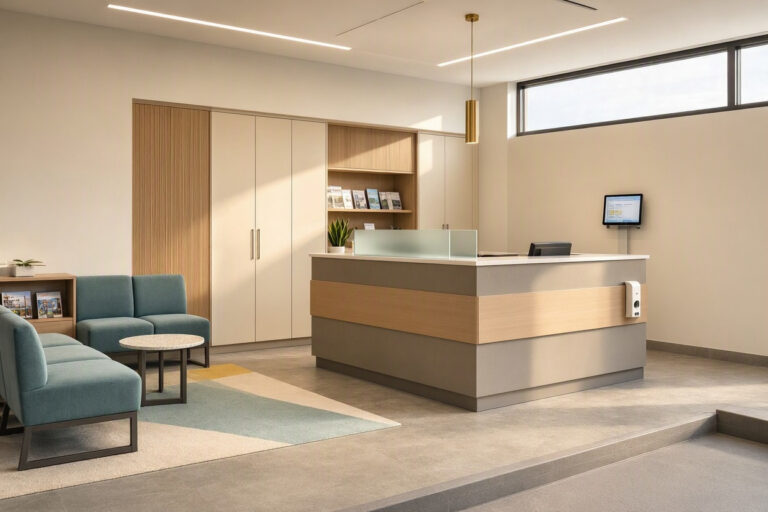
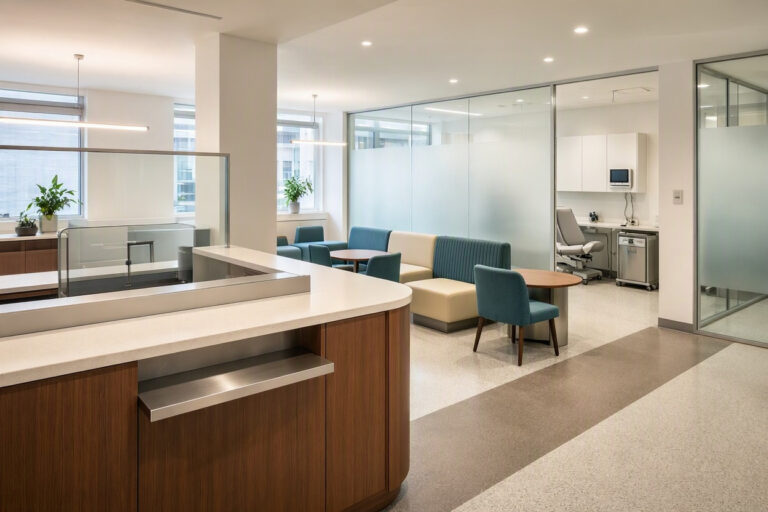
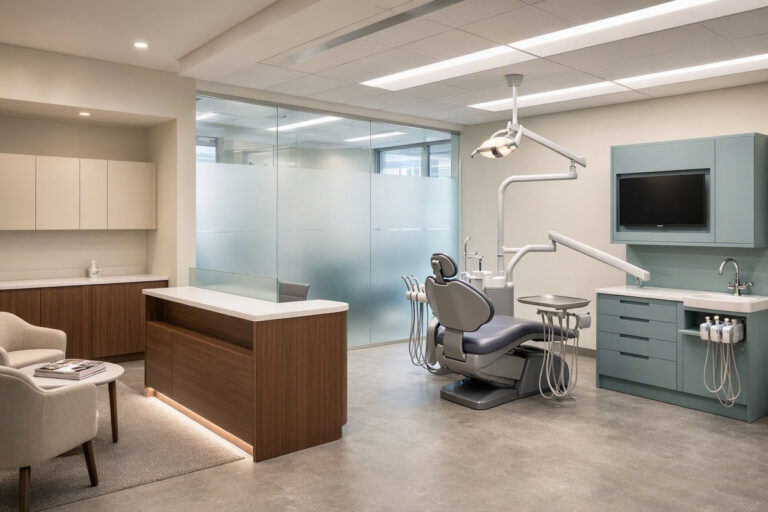
The reception area is the first physical space patients encounter in your dental office. It shapes their expectations before they meet a clinician. A well-designed reception area reduces anxiety, speeds up check-in, and communicates professionalism. A poorly designed one creates confusion and stress. This guide focuses specifically on dental office design for receptions, with practical advice on layout, furniture, technology, and decor.
Why the Reception Deserves Special Attention
Reception is a high-traffic, high-stress area. Patients arrive nervous about treatment, unsure about paperwork, and often running late. Your reception design must handle all of this gracefully.
Key functions of a dental reception:
- Welcome patients and confirm appointments.
- Process check-in and payments.
- Answer phone calls and schedule appointments.
- Coordinate patient flow to operatories.
- Provide a comfortable waiting space.
A reception desk that feels like a barrier creates distance. A desk that feels like a welcome counter builds trust.
Layout: Open vs. Closed Desks
The choice between an open and closed reception desk affects patient perception and staff workflow.
| Desk Type | Advantages | Disadvantages | Best For |
|---|---|---|---|
| Open (lower counter) | Welcoming, accessible, modern feel | Less privacy for patient conversations | Family practices, modern clinics |
| Closed (high counter) | Privacy for billing and health info | Feels like a barrier, less welcoming | High-volume practices, older patient bases |
| Hybrid (split-level) | Welcoming plus privacy when needed | Requires careful design | Most general practices |
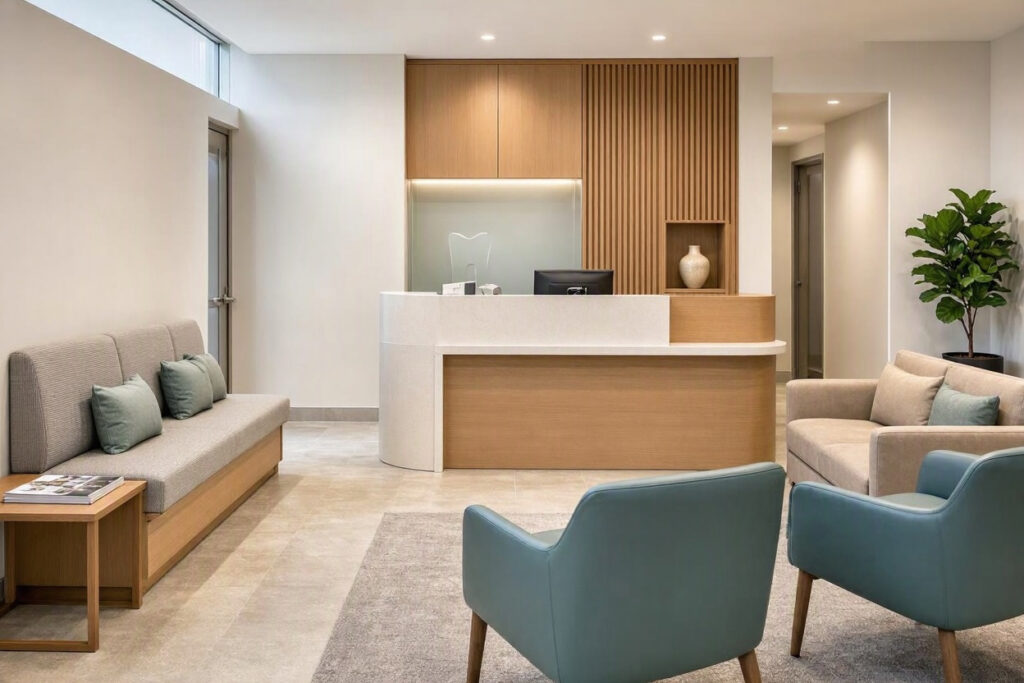
Realistic recommendation: A split-level desk works well. The lower section handles greetings and general questions. The raised section handles private billing and medical information.
Positioning the Reception Desk
Where you place the desk matters as much as how you design it.
- Sightlines: Staff should see the entrance and waiting area without turning around.
- Access: Patients should reach the desk easily from the entrance without crossing the waiting room.
- Privacy: The desk should not be directly beside the seating area. A small buffer zone allows private conversations.
- Security: Staff should have a clear exit route and a panic button if needed.
Important note: Avoid placing the reception desk with its back to the entrance. Staff should face patients as they arrive.
Furniture and Finishes
The reception desk is a focal point. It should look professional and withstand heavy use.
Desk materials:
- Solid surface or quartz countertops (durable, non-porous).
- Wood or wood-look laminate for warmth.
- Stainless steel accents for a modern clinical feel.
Desk features:
- Adjustable height sections for standing or seated work.
- Cable management for computers, phones, and card readers.
- Lockable drawers for petty cash and sensitive documents.
- A small shelf for patient forms and pens.
- Under-desk storage for office supplies.
Technology at Reception
Modern reception areas integrate technology to streamline check-in.
- Patient check-in kiosk: A tablet or wall-mounted screen where patients confirm details and sign forms.
- Card payment terminal: Visible and easy to reach.
- Computer monitors: Positioned so patients cannot see other patients’ information.
- Phone system: With headsets for staff comfort.
- Queue management screen: For larger practices, displays wait times and room numbers.
Waiting Area Design Near Reception
The waiting area is part of the reception experience. Design them together.
Essential waiting area features:
- Comfortable chairs with armrests.
- Clear sightline to the reception desk.
- A water station.
- Current magazines (remove old ones monthly).
- A television on a calm channel.
- Wi-Fi password displayed clearly.
- A visible clock.
Table: Reception Area Checklist
| Element | Requirement | Notes |
|---|---|---|
| Desk height | Split-level or adjustable | Balance welcome and privacy |
| Seating | 8–10 chairs | 30% above peak volume |
| Signage | Clear check-in instructions | Use large, high-contrast text |
| Technology | Kiosk, card reader, phone | Ensure privacy for all screens |
| Decor | One plant, one art piece | Keep surfaces uncluttered |
Lighting for Reception
Reception lighting must serve staff and patients.
- Overhead: Soft, diffused LED panels (3000K–3500K). Avoid glare on computer screens.
- Task lighting: Adjustable desk lamps for staff paperwork.
- Accent lighting: A wall sconce or pendant light above the desk adds warmth.
- Natural light: Keep windows unobstructed if the desk is near one.
Note: Avoid placing the desk directly under a bright overhead light. It causes glare on screens and makes staff look tired.
Decor and Branding at Reception
The reception area is where your brand lives most visibly.
- Display your practice logo on a clean, well-lit wall.
- Frame a small selection of credentials and community involvement photos.
- Use colors that match your brand identity.
- Avoid clutter. A single plant, a small sign, and one art piece are enough.
Your reception should answer three patient questions instantly: Where do I go? Who do I talk to? What do I do next?
FAQs About Dental Office Reception Design
Q: How large should a dental reception desk be?
For one or two staff members, plan for 8–10 feet of counter space. Include room for computers, phones, and a payment terminal.
Q: Should patients check in with a person or a kiosk?
Offer both. Some patients prefer human interaction; others prefer quick digital check-in. A kiosk reduces front desk workload during busy periods.
Q: How can I make reception feel more private?
Use a split-level desk, position the seating area away from the desk, and lower your voice during sensitive conversations. Sound-absorbing panels also help.
Additional Resource
For waiting room and reception design inspiration, visit the American Dental Association’s practice management resources: https://www.ada.org/practice-management
Conclusion
Dental reception design must balance welcome, privacy, and efficiency. Use a split-level desk, position it with clear sightlines, and integrate check-in technology. Keep decor minimal and lighting warm.